
FAQs
Pod Questions
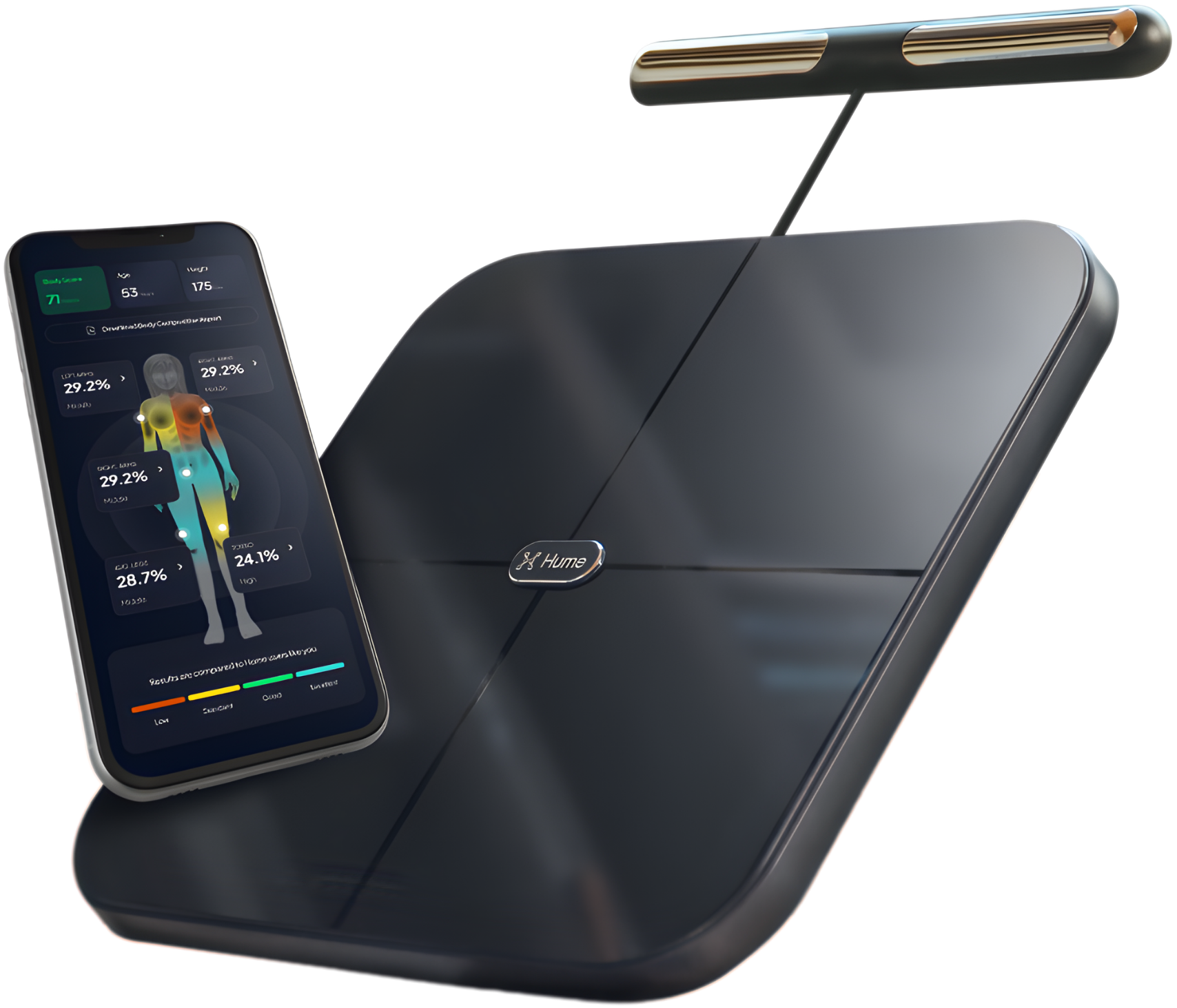
What is the HumePod?
The HumePod is a smart body composition scale that measures metrics such as weight, body fat, muscle mass, water levels, visceral fat, metabolic age, bone mass, and more. It syncs with the Hume Health app for detailed insights.
What metrics does the HumePod measure?
The scale provides over 40 body metrics including weight, body fat %, visceral fat, skeletal muscle, lean mass, bone mass, body water %, metabolic age, BMR, and segmental muscle and fat breakdowns.
Do I need the handles for a full measurement?
Yes. The handles provide upper-body electrical paths needed for advanced segmental measurements such as torso, arms, chest, and visceral fat calculations.
Is the HumePod safe?
Yes, for most users. The scale uses low-level electrical signals (BIA), which are safe for healthy individuals.
Is the HumePod safe during pregnancy?
It is safe to track weight, but body composition readings (BIA) may be inaccurate due to fluid changes. Use weight-only mode if your clinician advises it.
Is the HumePod safe if I have a pacemaker?
Users with implanted electronic medical devices should consult a healthcare professional before using any BIA device.
Can children use the scale?
Yes, children can track weight, but body composition analysis may not be accurate for individuals under 18 due to natural growth variability.
FAQs
App & Subscription Questions
Do I need to pay for a subscription to use my scale?
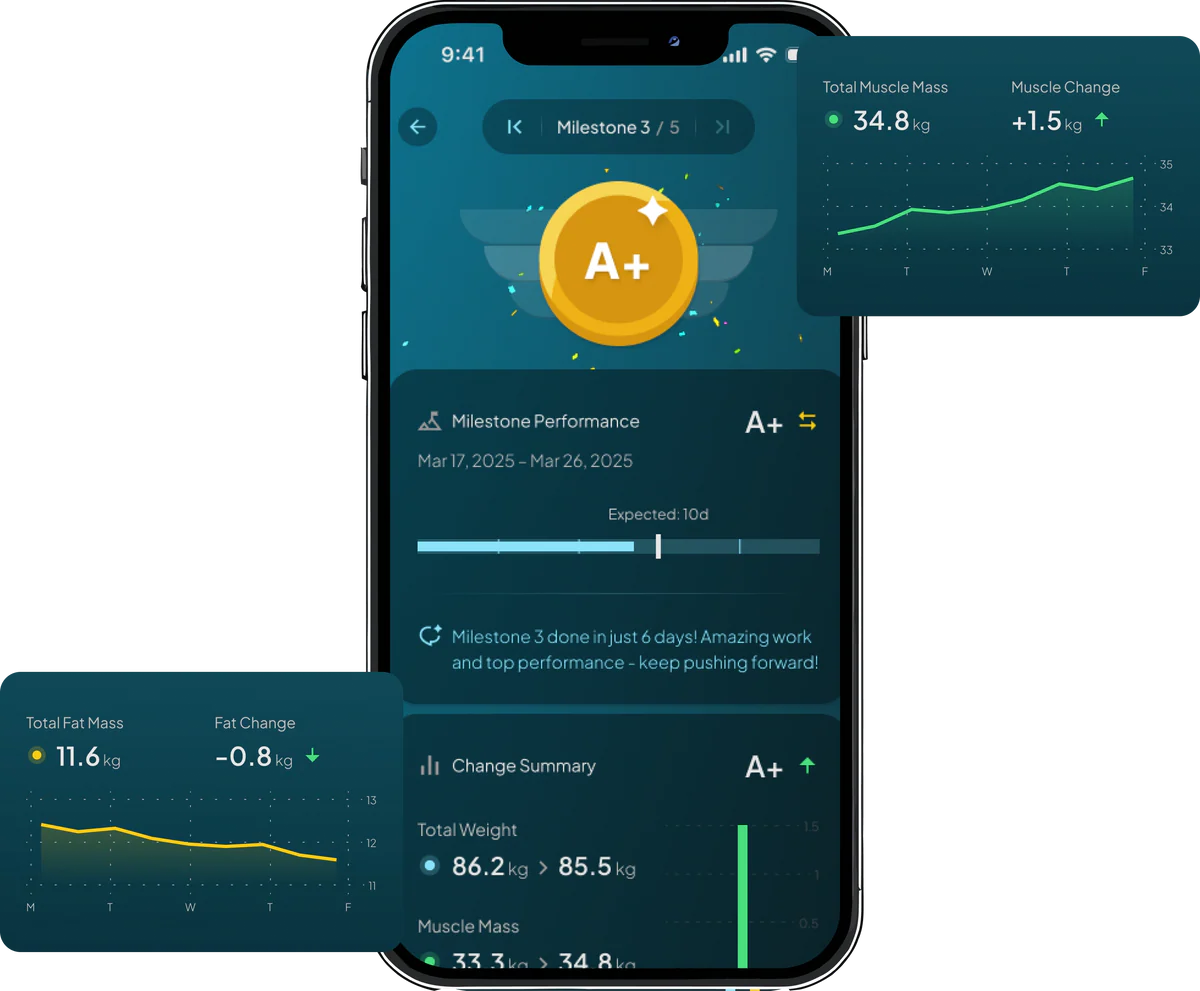
No. The free version of the app allows weigh-ins and full body measurements. Premium (Hume Plus) unlocks added features such as weekly reports and deeper insights.
Can multiple people use one HumePod?
Yes. Multiple people can share a HumePod as long as each person has their own Hume Health account. Only one phone can pair via Bluetooth at a time.
How do I change my units of measurement?
In the app: go to your profile, Settings, Units and select kg/lbs.
How do I change the app language?
Go to Settings, General, Language and select your preferred language. Video audio remains English
What features are included in the free version of the app?
The free version includes weigh-ins, viewing all body measurements, basic trends, and profile management.
What do I get with Hume Plus?
Hume Plus includes advanced insights, weekly health reports, deeper metric explanations, personalised targets, and routine-based coaching.
What is the Health Score?
The Health Score summarises your daily and long-term health inputs, giving a simple number reflecting wellness trends.
What is Range?
Range shows the target healthy window for each metric so you can see whether your values fall above, below, or within ideal ranges.
FAQs
Getting Started
What app do I need to use with my scale to access my full body measurements?
You need to download the Hume Health app on your device to weigh in and view your full body measurements.
How do I download the Hume Health app?
Download it from either the Apple App Store (iOS) or Google Play Store (Android).
How do I register for the Hume Health app?
1. Download the app. 2. Tap Sign Up. 3. Enter a valid email and create a password (10+ characters: uppercase, lowercase, number, symbol). 4. Verify your email using the 4-digit code. 5. Your account is ready.
How do I use the HumePod for the first time?
Place the scale on a flat hard surface, enable Bluetooth, open the app, step on barefoot, hold the handles with both hands, stand upright, wait for confirmation in the app before stepping off.
How do I get the best results?
Weigh in at the same time each day, ideally first thing in the morning after drinking a glass of water for the most consistent trends.
Can I use the scale on carpet?
No. Soft surfaces cause inaccurate readings. Use a flat, hard floor.
Do I need to pay for a subscription to use my scale?
No. The free version of the app allows weigh-ins and full body measurements. Premium (Hume Plus) unlocks added features such as weekly reports and deeper insights.
Should I weigh in before or after eating?
For consistency, weigh in first thing in the morning, before eating, ideally after using the bathroom and drinking a glass of water.
Should I weigh in before or after workouts?
Before workouts provides more consistent data. Exercise affects hydration and body water distribution, temporarily altering readings.
Do posture and grip matter during measurement?
Yes. Stand upright, keep elbows away from your torso, hold handles with bare hands, and maintain full foot contact with electrode plates.
Why do my legs or arms show different values?
Segmental analysis isolates limbs and trunk. Differences may reflect training imbalance, hydration shifts, or dominant-side muscularity.
FAQs
Connectivity & Troubleshooting
Does the HumePod use Wi-Fi?
No. It uses Bluetooth to sync directly with the mobile app.
Why won't my scale stay connected?
Bluetooth may be interrupted by distance, interference, battery level, or app background restrictions. Keep the phone close and ensure the app stays open during syncing.
Why is another user connecting to the scale instead of me?
If another user nearby has the app open, Bluetooth may pair to their phone. They should close the app while you weigh in.
Do I need cellular data or Wi-Fi for syncing?
Bluetooth handles the sync to the Hume app on your phone, but an internet connection is required for uploading data to your Hume profile.
My scale isn't turning on. What should I do?
Charge the scale using the provided cable for at least 2 hours. If it still won't turn on, contact Customer Support and provide a short video of the issue if possible.
My scale isn't keeping a charge. What can I do?
Try charging overnight. If the issue continues, contact Customer Support with a video showing the problem.
My measurement stopped early. What should I do?
Stand still with full sensor contact until the app displays completion. Sudden movement or lifting hands prematurely interrupts the test.
Why does Bluetooth need to be enabled?
Bluetooth is required to connect the scale to the app so your measurements can sync.
My scale isn't being discovered / won't pair. What should I do?
Ensure the scale is powered, Bluetooth is enabled, restart the app, forget the device in Bluetooth settings, re-pair it, and disable any phone battery optimizations.
Why are my body composition numbers changing?
Hydration, food intake, alcohol, stress, exercise, and time of day influence readings. Consistent timing and posture help reduce variability.
Why do I feel I gained fat after training?
High-intensity workouts temporarily alter hydration and muscle glycogen levels, which can shift your readings. Trends over weeks matter more than daily results.
My Bluetooth won't turn on or connect properly. What now?
Restart your phone, ensure Bluetooth is enabled, force-close and reopen the app, or reset the scale. Try reconnecting from the app's device settings.
Why does the app say 'Measurement failed'?
This may occur if your feet or hands aren't fully contacting electrodes, if posture is inconsistent, or if Bluetooth disconnects mid-test.
Why should I weigh in barefoot?
The scale uses bioelectrical impedance analysis (BIA), which requires skin contact with the electrodes to measure body composition accurately.
Why do my measurements vary between days?
Body composition changes with hydration, food intake, salt levels, sleep, stress, exercise, and time of day. Consistency in timing helps reduce variability.
FAQs
Battery & Charging
How long does the HumePod battery last?
Battery life varies by usage but typically lasts weeks to months per charge depending on frequency of weigh-ins.
How long does it take to fully charge the scale?
Charging usually takes several hours. Leave it plugged in overnight for a full charge.
Can I use the scale while it's charging?
No. For safety, do not stand on the scale while it is charging.
What cable does the HumePod use for charging?
It uses the included charging cable (typically USB-C). Ensure you use a compatible charger.
FAQs
Data & Privacy
Does Hume store my data securely?
Yes. Hume uses modern encryption and privacy standards to protect your personal data.
Can I delete my Hume account?
Yes. You can delete your account from the app settings or by contacting Support. This permanently removes your stored data.
Can I export my data?
Some data types may be exportable or viewable in-app and additional export features may be added over time.
FAQs
Shipping & Warranty
How long does shipping take?
Standard shipping typically takes about two days depending on your region.
What is the warranty on the HumePod?
The HumePod includes a warranty covering manufacturing defects. Contact Hume Support with your order number for assistance.
What is the return policy?
Returns are accepted within the timeframe specified on the Hume Health website. Items must be unused and in original packaging unless defective.